

Company invoices paid by QR
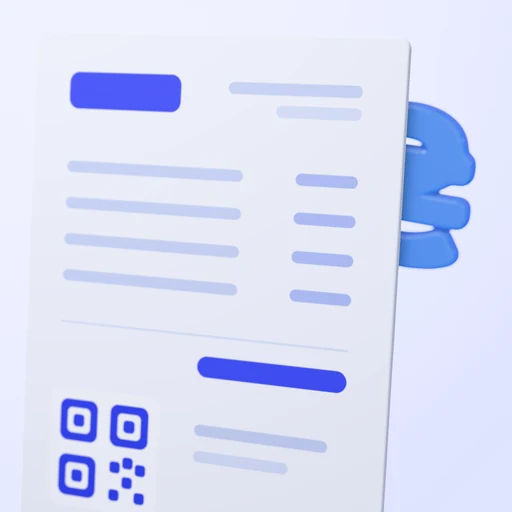
You issue an invoice with a QR and see who has paid and who has not
On request
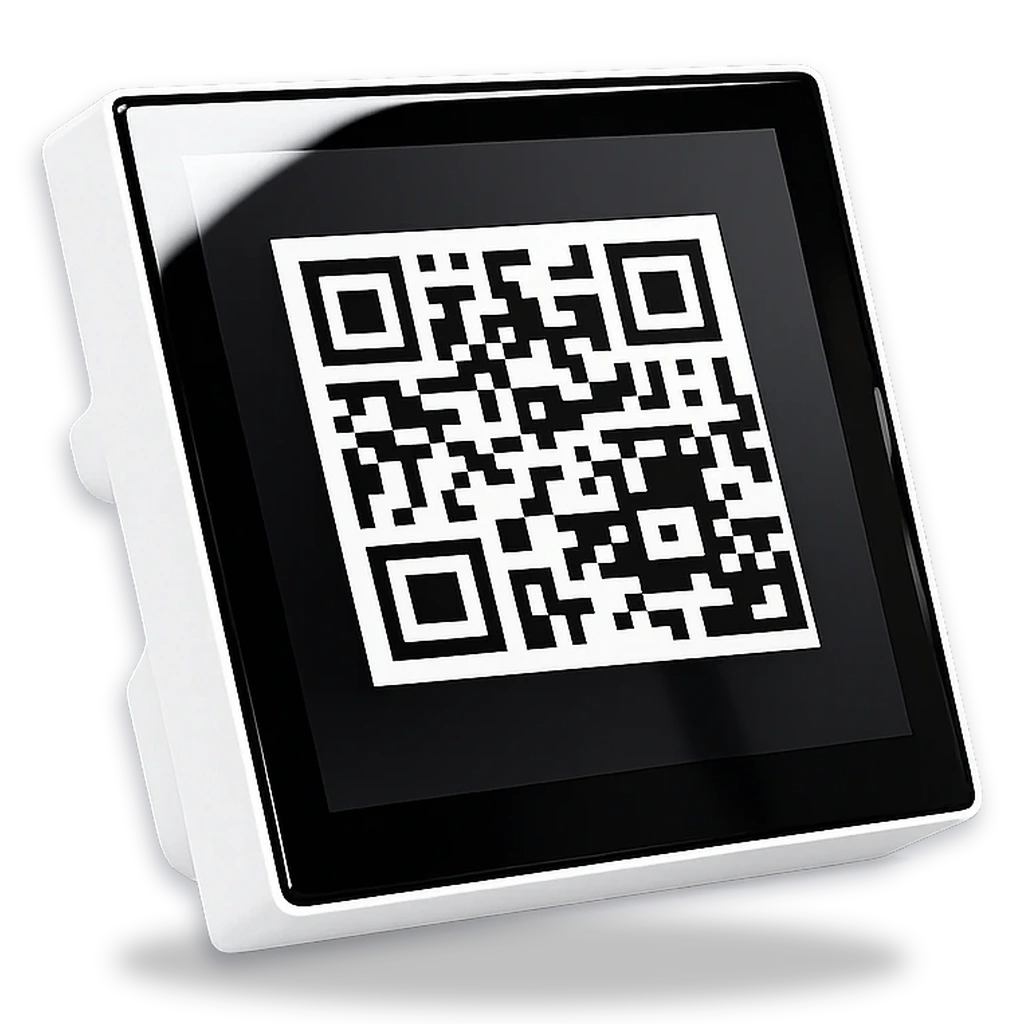
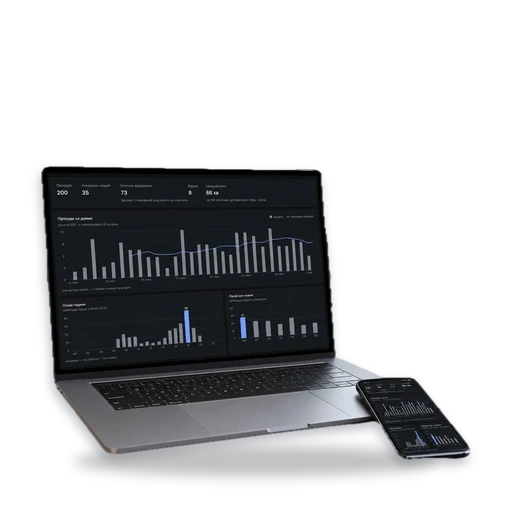
- Who has paidshown for every invoice
- Fixed amountit is locked in the QR
- 0%acquiring fee when paid to your account
- 30 banksscan QR codes to the NBU standard
How an invoice gets paid
1. You issue an invoice with a QR
The amount and purpose are in the QR, the amount locked
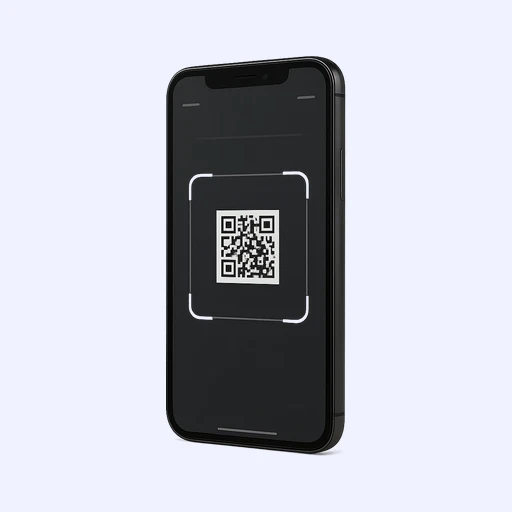
2. The client scans the QR
In their banking app, with no details to type
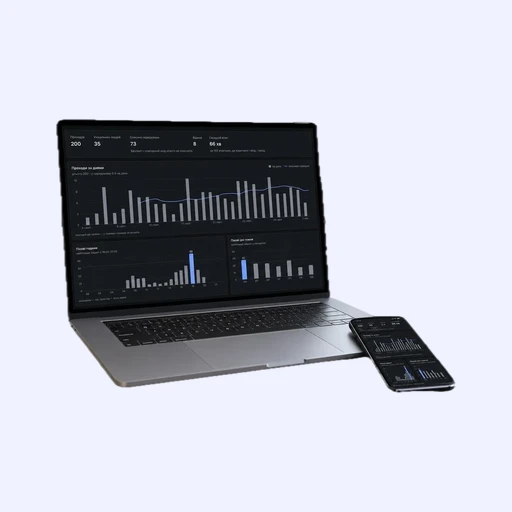
3. You see who has paid
And who has not yet, for every invoice
What changes in your payments
No mistakes in the details
The amount, payee and purpose are in the QR, the client does not type them
No manual matching
The status of every invoice comes from the bank
No fee
Money goes straight to your account, with no acquiring
No access to your money
Read-only: we see payments but cannot move money
QR invoice questions
Which bank must my account be with?
QR invoices can be paid into an account at PrivatBank, PUMB, A-Bank, VST Bank or monobank. Your client’s bank does not matter: the apps of 30 banks scan NBU-standard QR codes.
Can the client change the invoice amount?
No. The amount is in the QR, we forbid changing it, and the banking app will not let it be edited. The client can never change the payee, account or payment number.
Who issues the receipt for an invoice payment?
Your Checkbox or Vchasno.Kasa PRRO: we pass every invoice payment to it. Law No. 265/95-VR requires every settlement transaction to go through an RRO or PRRO, and Article 2 defines it as accepting cash, payment cards, cheques or tokens. Check with your accountant how this applies to your tax group.
How do I refund an invoice payment?
Whoever received the money refunds it. The payment is in your account, so you send it back by transfer from your bank, with no intermediary.
We’ll set up invoice payments
Company invoices
On request