

Entryspot
Coworking without a front desk
Bookings, memberships, payments and the door in one coworking software
- Offlinethe door still opens
- QR, card, PINat the entrance
- Exitalways free
- Logwith a photo of every entry
From booking to the door
1. A member books and pays
A desk or room by the hour, card payment online
2. The pass goes to the door
The controller stores the start and end of the booking
3. The door opens
By QR, card or PIN, only in the paid time
4. Time is up
A reminder 15 minutes before, extend from the phone
What Entryspot does
Desk and room booking
By the hour or day, never selling a seat you don’t have
Memberships and passes
Unlimited, visit packs, day passes and companies
Online payment
Cards, invoices, extensions and refunds
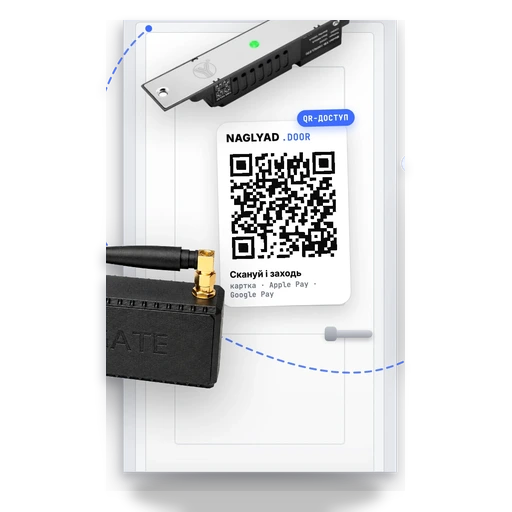
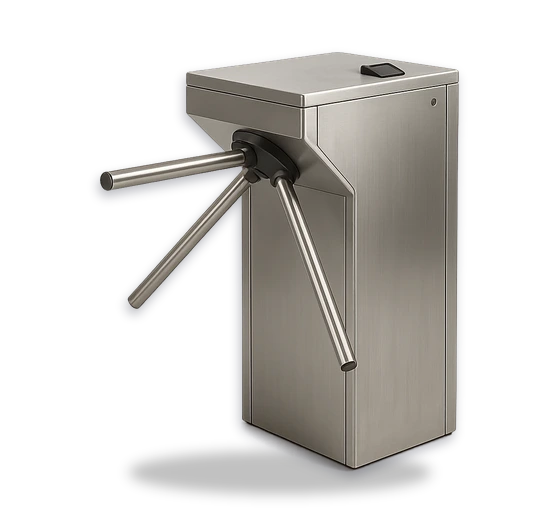
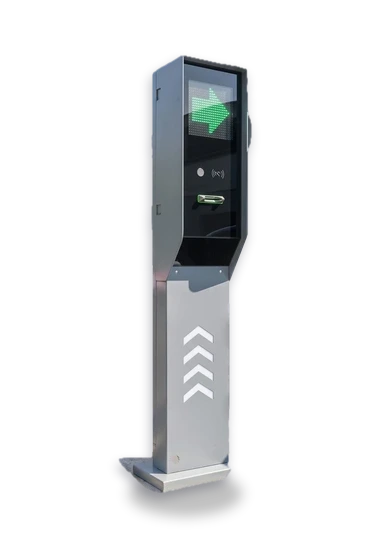
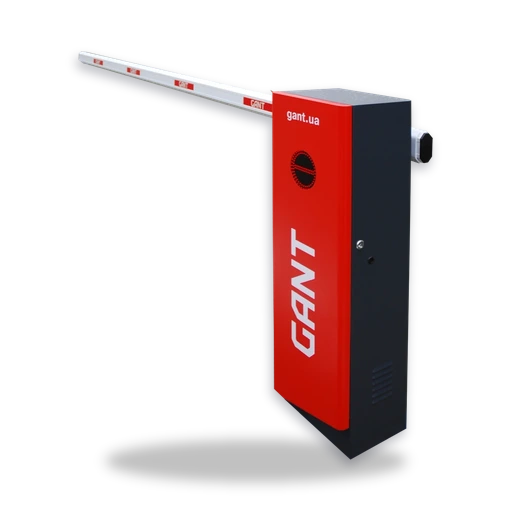
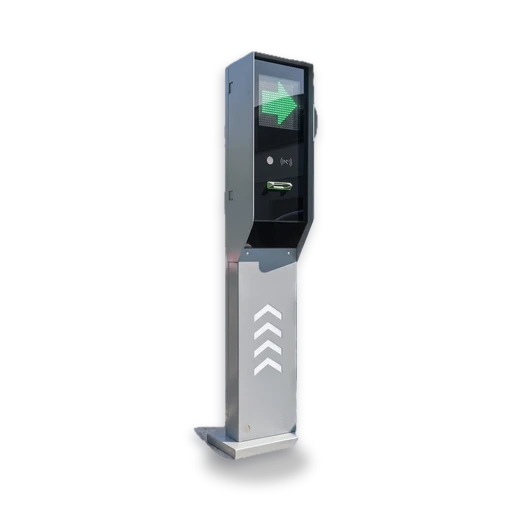
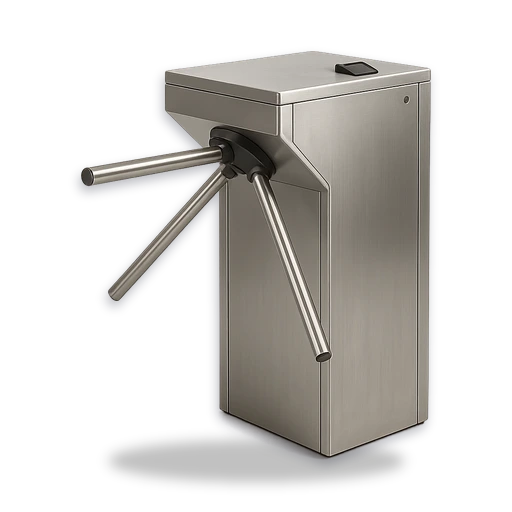
Door access
QR, card or PIN, passes work offline
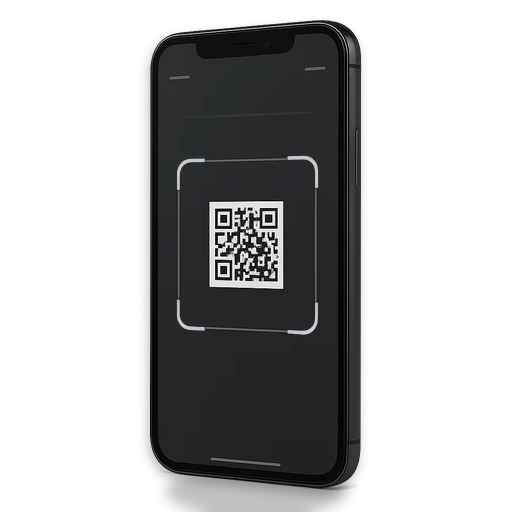
Member app
Book, pay, open the door and invite a guest
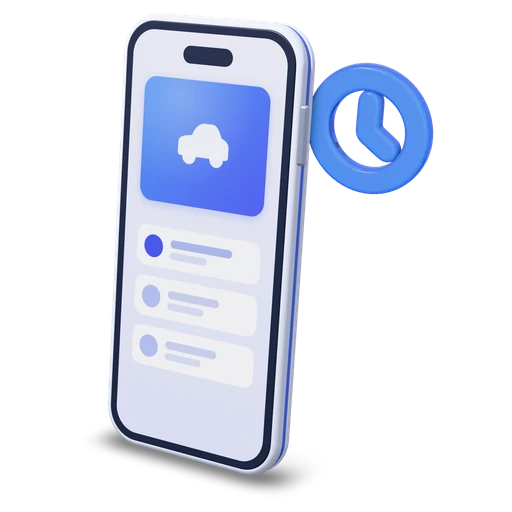
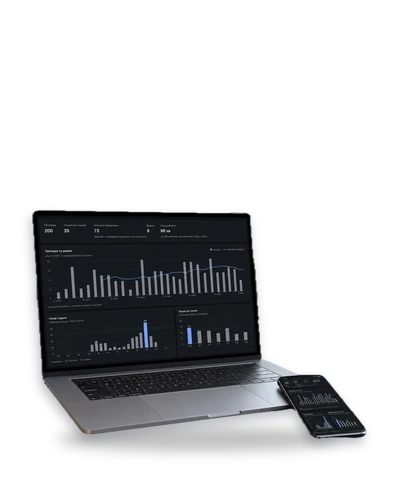
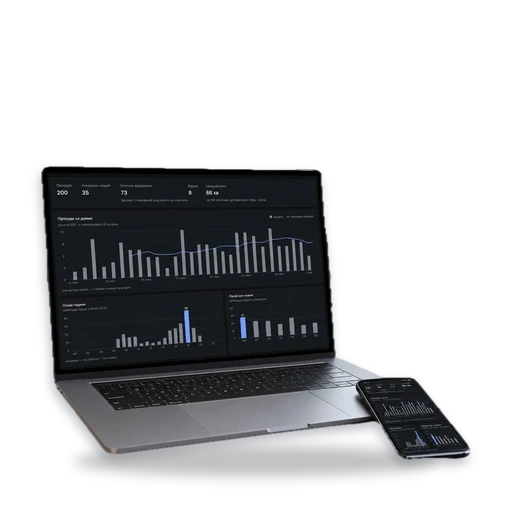
Entry log
Every opening with the member, time and camera snapshot
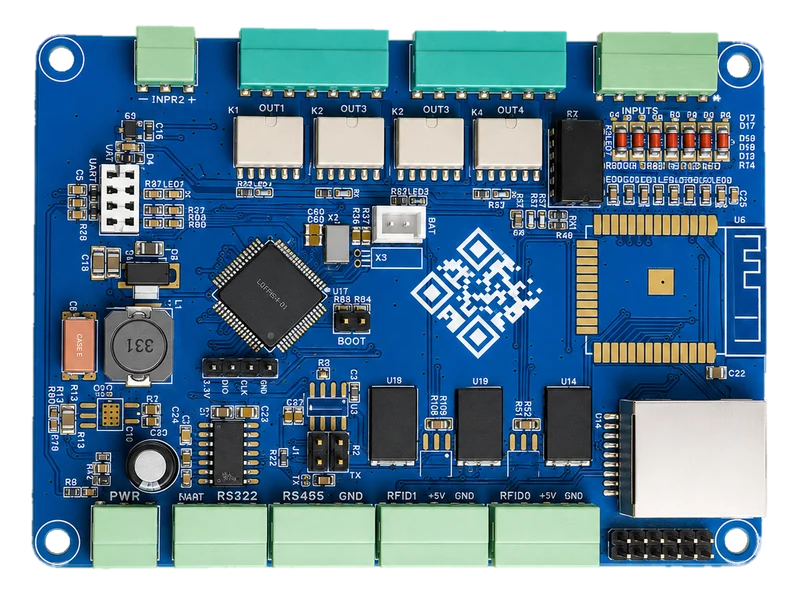
What Entryspot costs
Entryspot FAQ
What happens when the internet goes down?
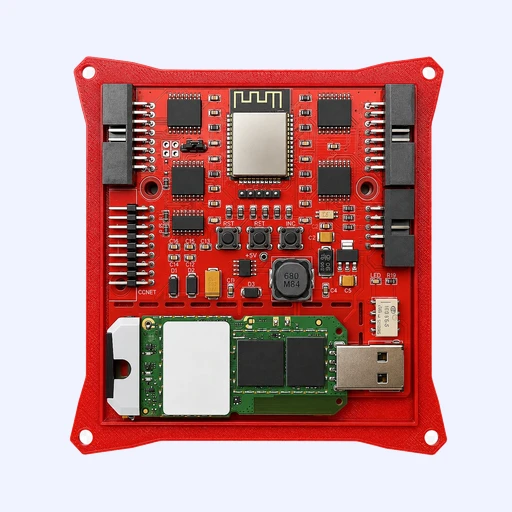
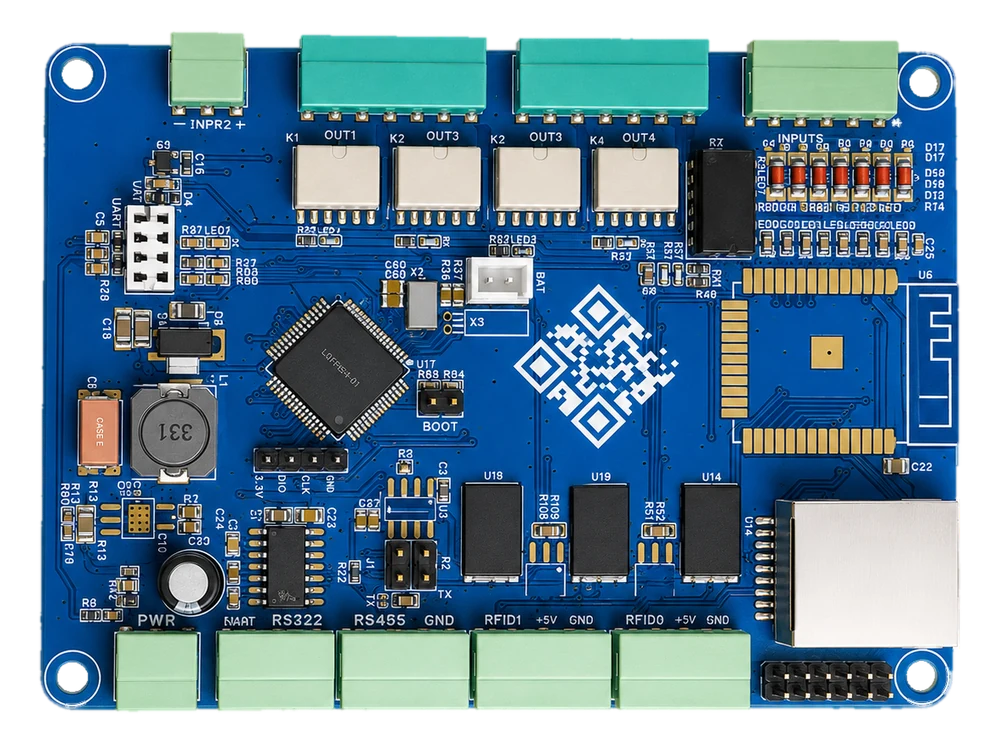
Paid bookings and memberships are stored in the controller on the door, so the door keeps opening for those who paid. The log syncs as soon as the connection returns, and new bookings need the internet.
What about a power cut?
A 12 V backup supply with a 20 Ah battery keeps the controller and the lock running for several hours. Without power the lock releases, so nobody is locked inside, and the exit button always works.
What if two people enter on one booking?
Every opening is photographed by the camera at the door, and the snapshot sits in the log next to the member and the time. You see how many people walked in on one pass and block the account or message the member right from the log.
How do members pay for a desk?
By card online on the booking page or in the app, with no account needed for a first visit. Payments go through monobank, Stripe or another provider, and the software handles invoices, extensions and refunds itself.
Do I need my own developer or installer?
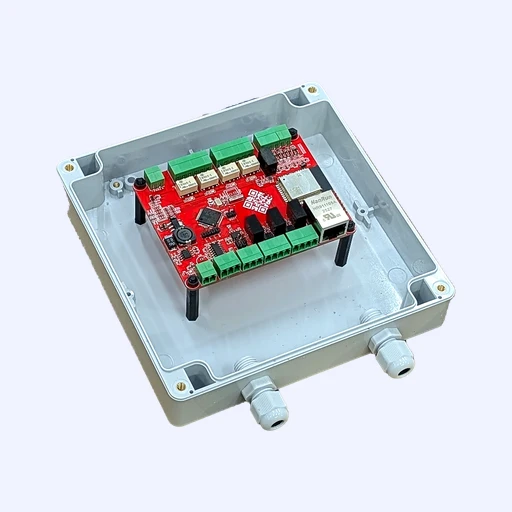
No. Any electrician wires the kit in about an hour, and the software is set up from the browser. We do the first launch together with you.
Can the app carry our brand?
Yes. By default the app comes out as Entryspot, and for a monthly fee we publish it with your name, icon and colours in the app stores. The admin panel stays the same.
We’ll pick a kit from door photos
Photo of the door and lock
How many desks and rooms
How members pay now
Tell us about your space
Entryspot