




A QR code for payment to your account
Enter your details and get an NBU-standard QR for free
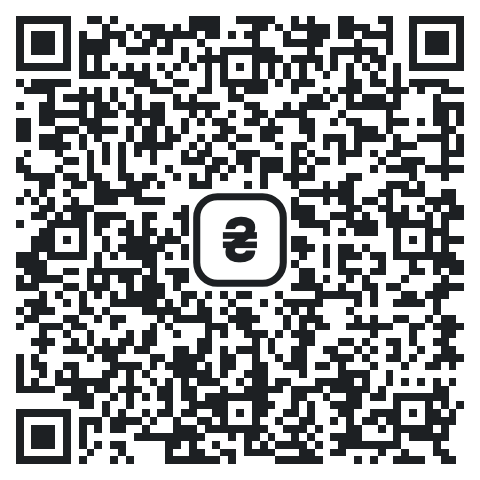
The QR is made in your browser, we do not store your details
Want to see who has paid? Connect QR payment at the till
Free QR or N-Pay
Free QR
- QR and link
- A printable sign
- An account at any bank
N-Pay at the till
- “Paid” from the bank
- Its own amount for each payment
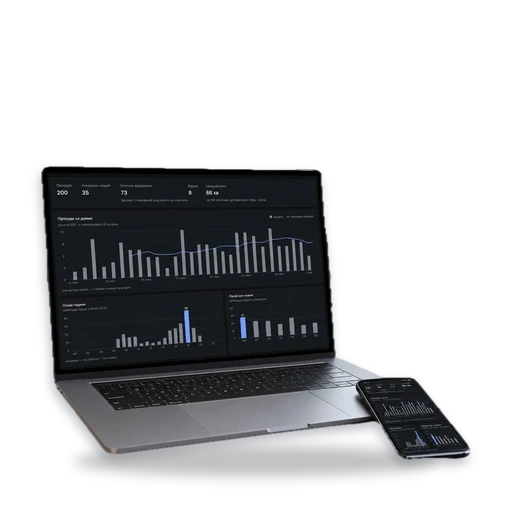
- History in the dashboard
From sign to money
You print the sign
Or send the link in a messenger
The customer scans the QR
In their banking app, with your details filled in
Money in your account
No acquiring and no intermediaries
QR code questions
Do I need a cash register if people pay to my IBAN?
Not for a transfer to a current account by bank details: Article 2 of Law No. 265/95-VR defines a settlement transaction as accepting cash, payment cards, cheques or tokens from the customer, not such a transfer. For card payments through acquiring, a PRRO is required. Check with your accountant how this applies to your tax group.
What does the customer scan this QR with?
With the scanner in their banking app, on the app’s first screen. The phone camera opens an NBU page that suggests scanning the code again in the banking app.
Why is there a hryvnia sign in the middle of the QR?
NBU rules require it for payment QR codes. The sign tells customers this is a payment QR, to be scanned with a banking app.
Do you see my bank details?
No. The free QR is made in your browser, and your details never reach our server. When you connect N-Pay, the bank gives us read-only access: we see payments but cannot move money.